Server Modules

Explore the modules and services for each realm. Shared features appear in both sections.

The Kingdom of Sylvania

Classic progression, optional challenges and Survival.
All Races All Classes (ARAC)

All Races All Classes (ARAC)

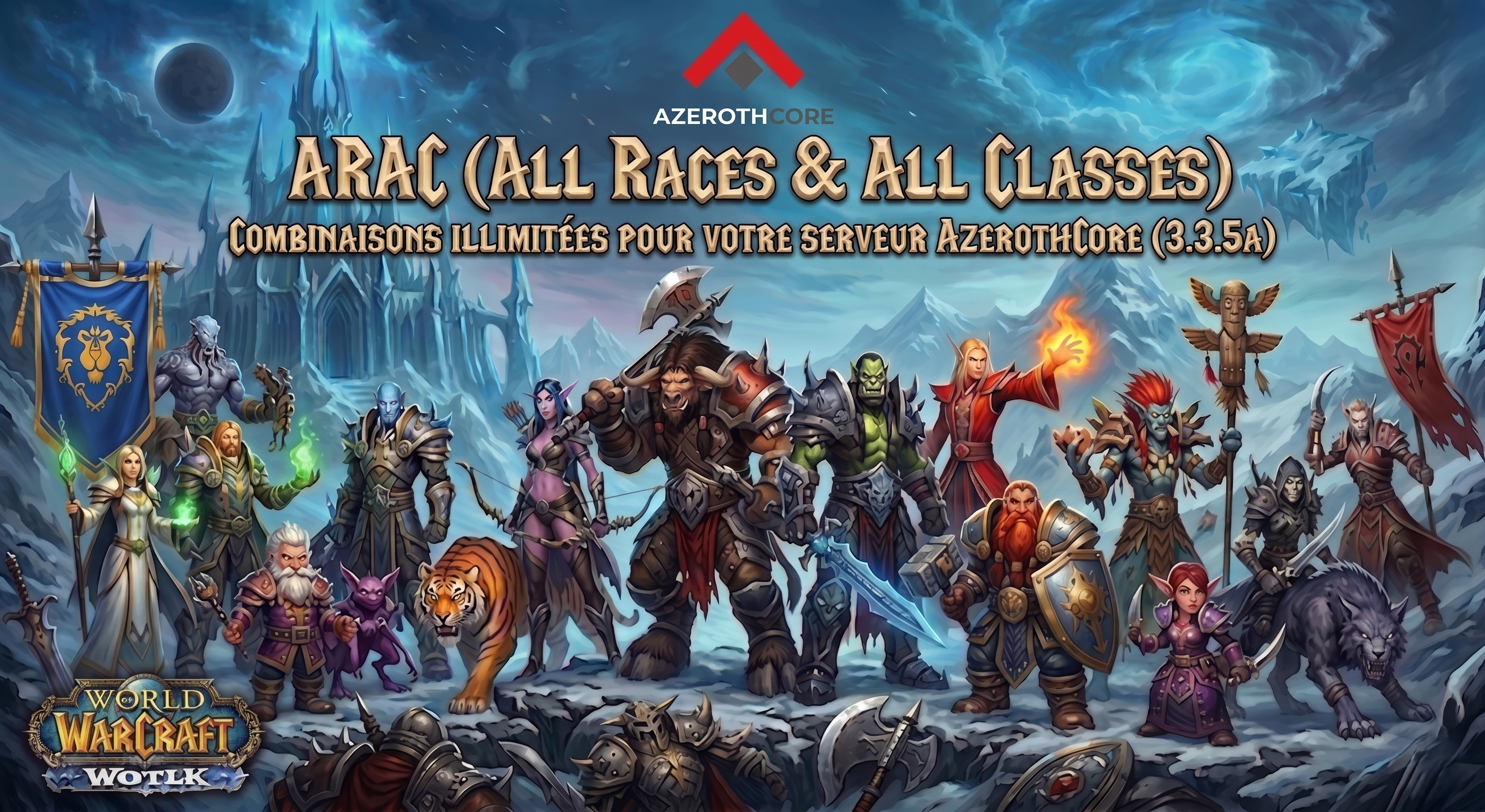
Allows all races to play all classes, offering total freedom in character creation.

Features:

  • Removes class restrictions by race
  • Create unique combinations like Tauren Rogues or Gnome Druids
  • Compatible with all custom races
  • Client patch available for download

User Guide

Download the patch below and place it in the Data folder of your World of Warcraft client (e.g., WoW-Sylvania/Data/).
Active

Transmogrification

Transmogrification

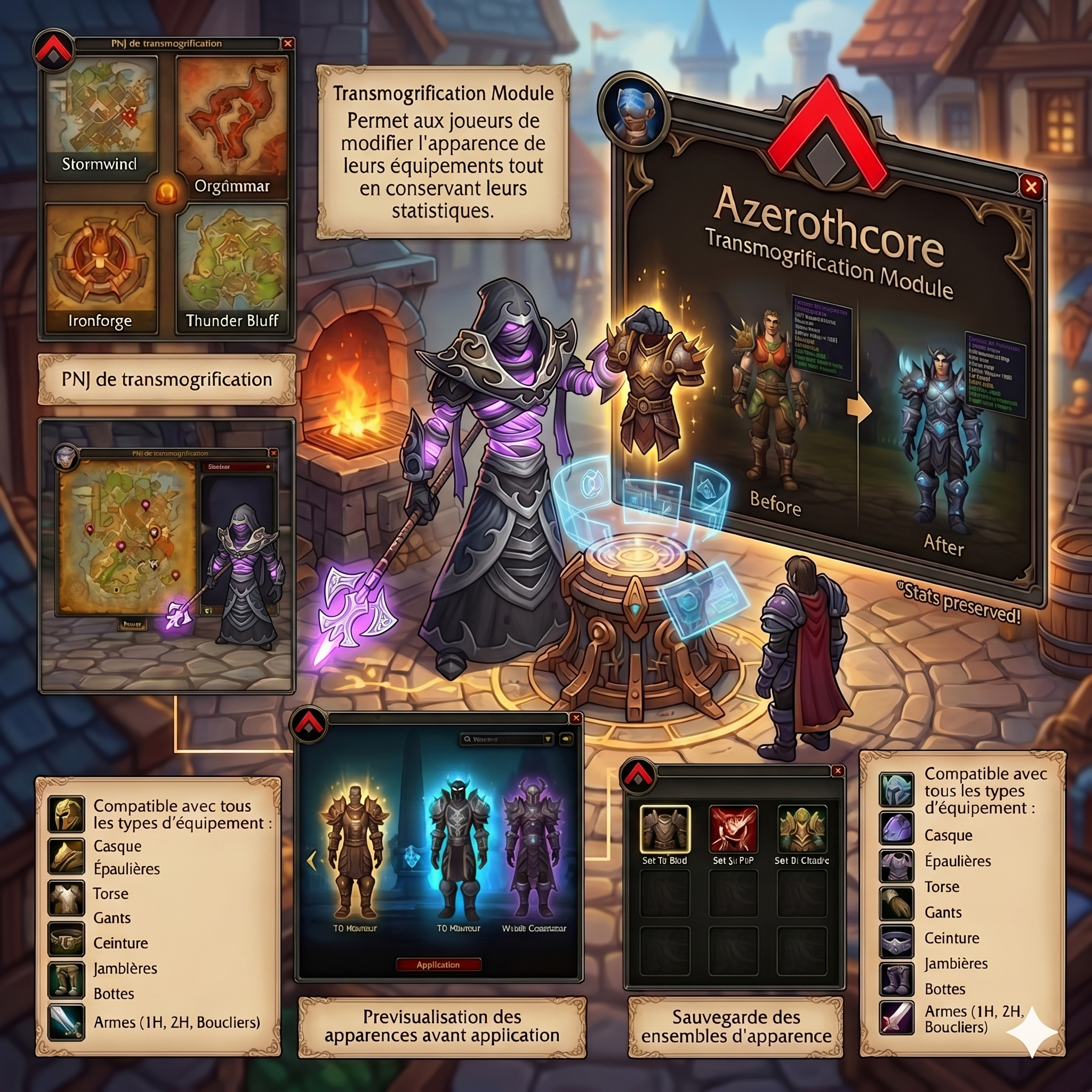
Allows players to modify equipment appearance while keeping stats.
Features:

  • Transmog NPC available in capitals
  • Preview appearances before applying
  • Save appearance sets
  • Compatible with all equipment types

User Guide

The Transmogrification NPC is available in all major capital cities of your faction, as well as in all **barbershops** in-game.
Active

AH-Bot

AH-Bot

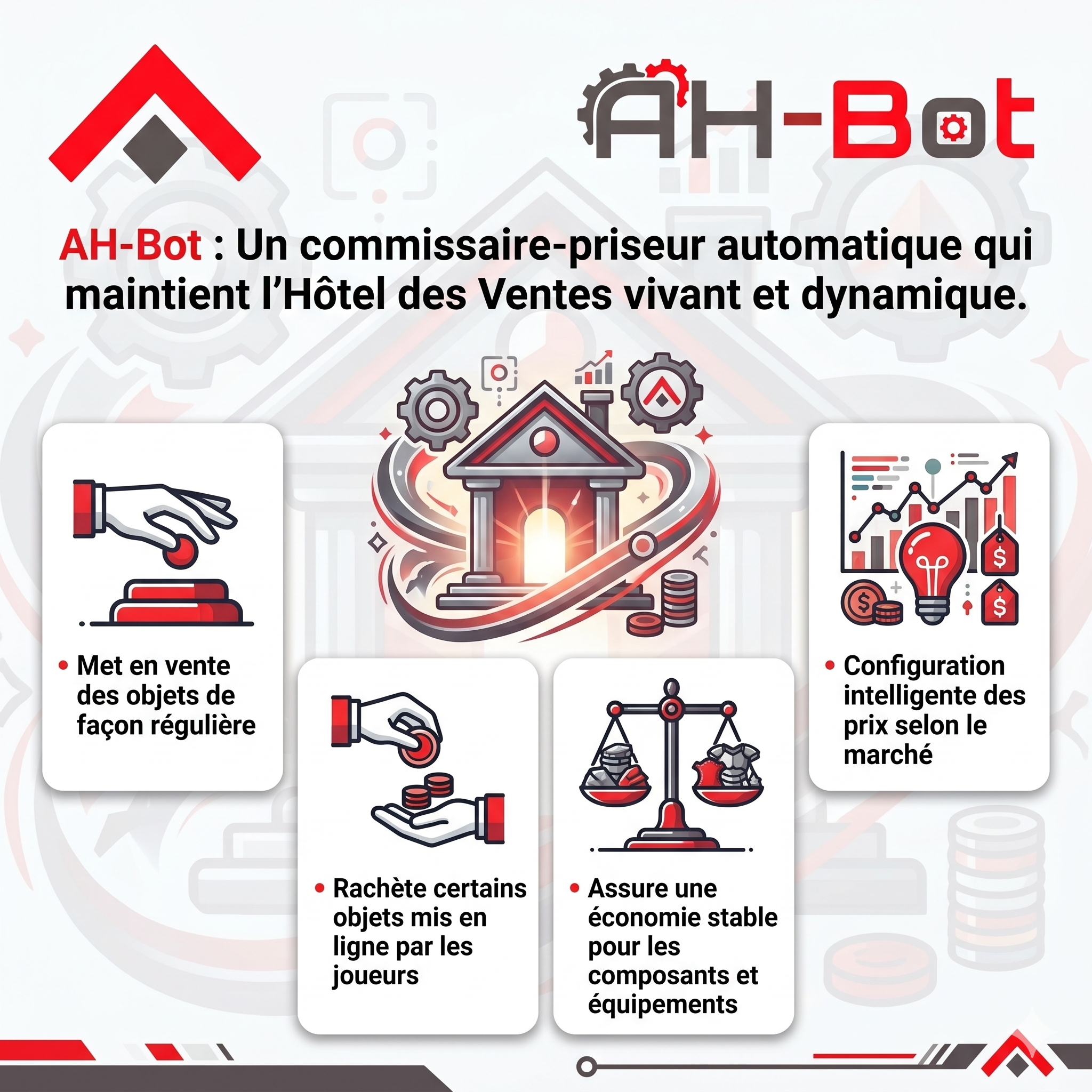
An automatic auctioneer that keeps the Auction House lively and dynamic.
Features:

  • Lists items for sale regularly
  • Offers a regular selection of equipment and materials
  • Ensures a stable economy for components and gear
  • Intelligent pricing based on market conditions

User Guide

No special action required. Simply head to the Auction House in any capital city and browse items or talk to the Auctioneer NPC.
Active

AutoBalance Master

AutoBalance Master

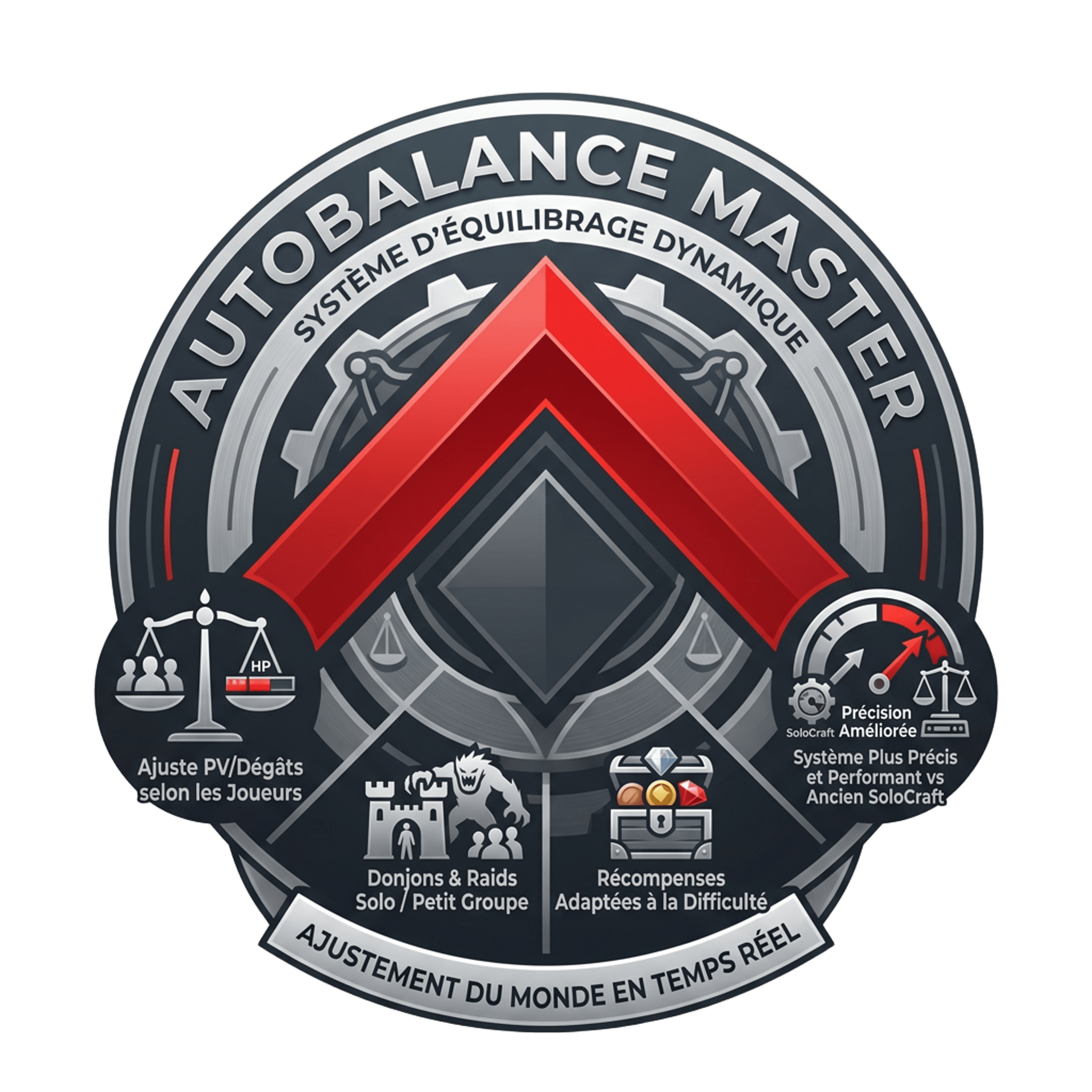
Dynamic balancing system that adjusts world difficulty in real-time.
Features:

  • Adjusts HP and damage of enemies based on the number of players in combat
  • Allows for all dungeons and raids to be completed solo or in small groups
  • Rewards adapted to the difficulty encountered
  • Automatic scaling when entering a dungeon or raid

User Guide

The system activates in a completely seamless manner. You do not have to do anything special other than entering a dungeon or raid portal for the difficulty to automatically adapt to your group size.
Active

Solo-LFG

Solo-LFG

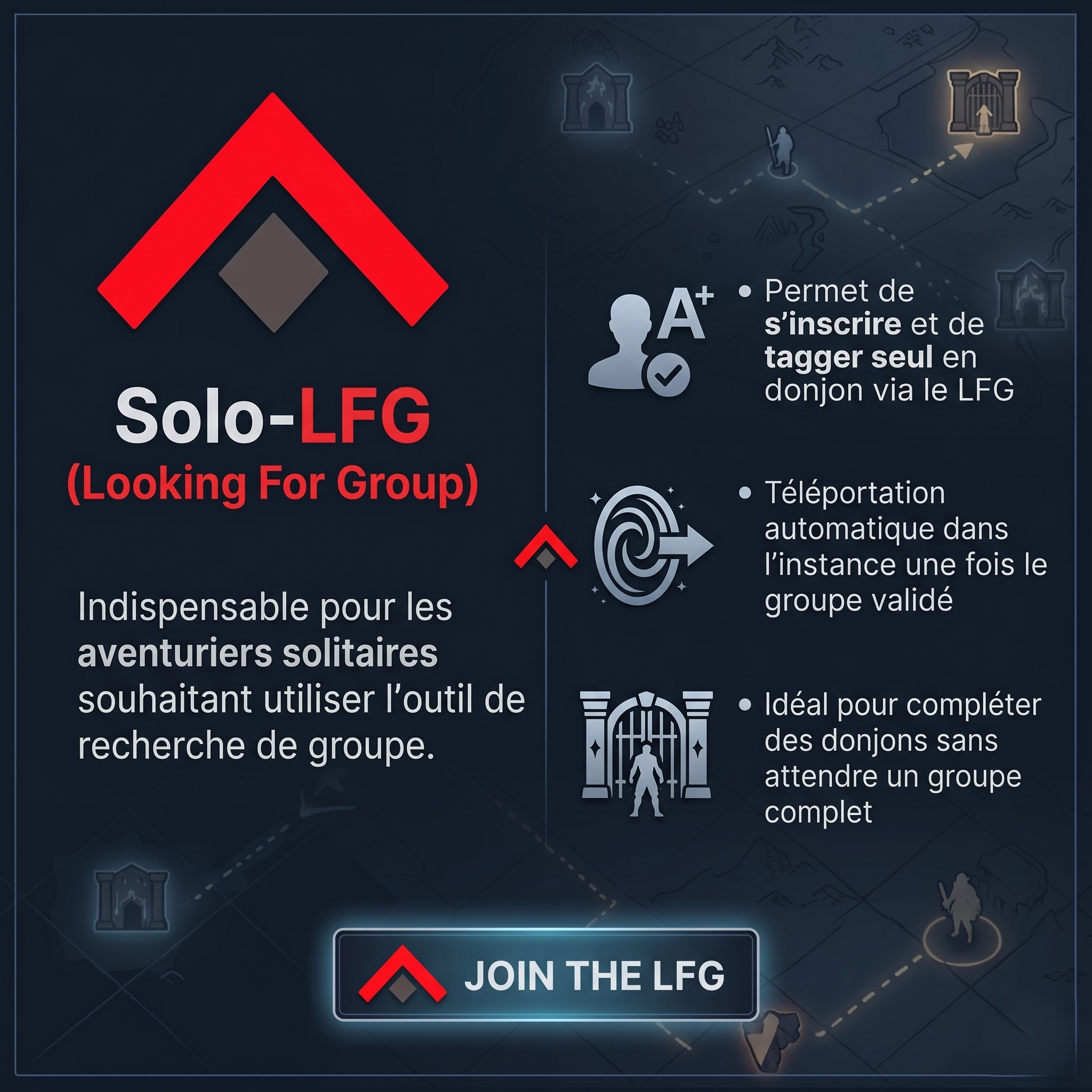
Essential for solo adventurers wishing to use the group finder tool.
Features:

  • Allows for solo registration and tagging in dungeons via LFG
  • Automatic teleportation to the instance once the group is validated
  • Ideal for completing dungeons without waiting for a full group

User Guide

Open the Looking for Group (LFG) tool, choose your role (Tank, Healer, or Damage) and start the search. The system will automatically find you a dungeon even if you are queued alone.
Active

Challenge Mode

Challenge Mode

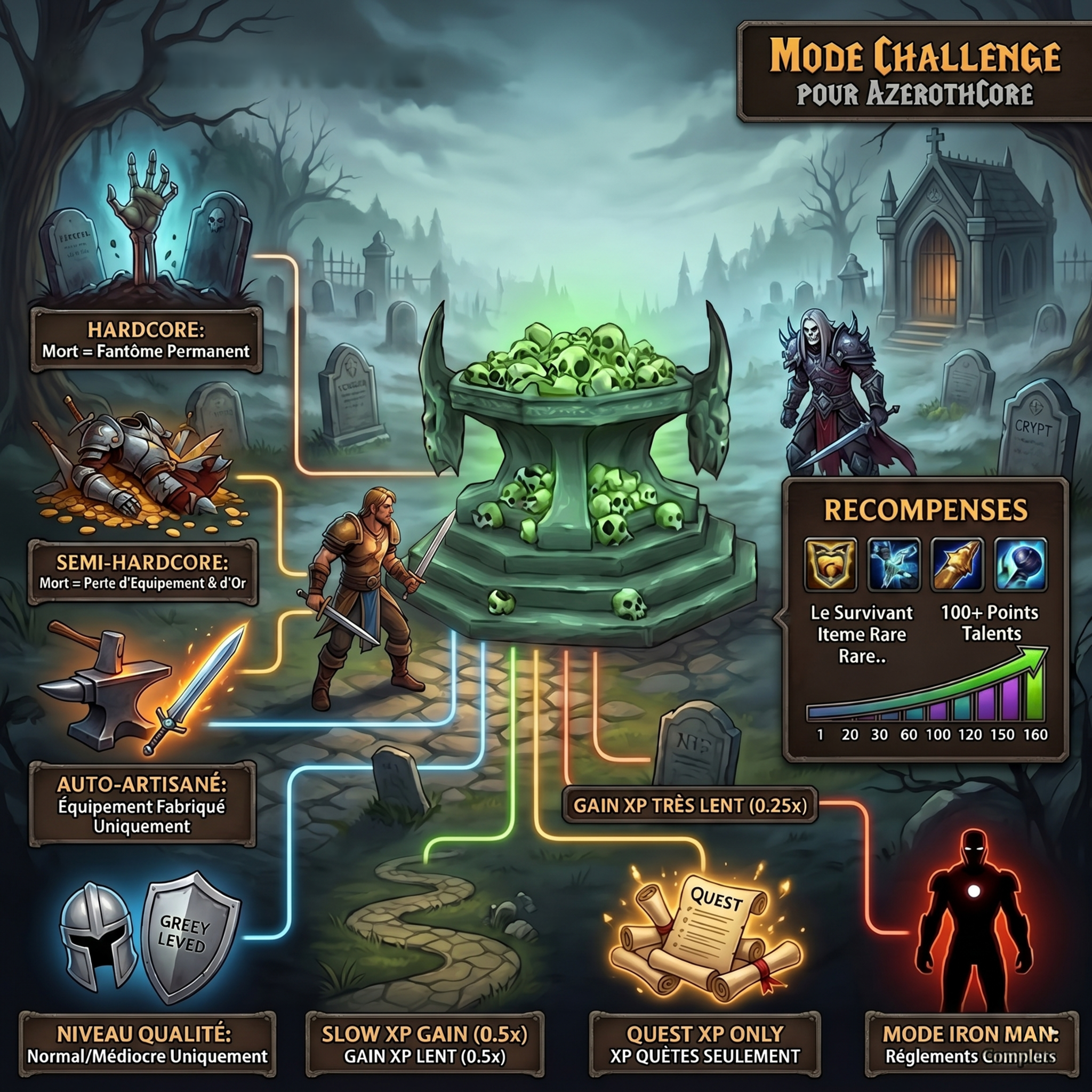
Challenge mode module for AzerothCore. Hardcore, Semi-Hardcore, Iron Man, and more.
Features:

  • Hardcore: Upon death, the character becomes a permanent ghost. âž” Reward: 2000 Sylvania Coins + Frostmourne at lvl 80.
  • Semi-Hardcore: Character loses all gear and gold upon death. âž” Reward: 1000 Sylvania Coins at lvl 80.
  • Martyr Mode: Lose 10% XP on death (Downlevel possible). âž” Reward: 500 Sylvania Coins at lvl 80.
  • Survival (test feature): manage food, hydration and cold. Empty food: −50% to all five primary stats. Empty hydration: health gradually drops to 1%. Only affects characters who chose this challenge.
  • Self-Crafted: Only use equipment you have crafted yourself. âž” Reward: 200 Sylvania Coins at lvl 80.
  • Limited Gear Quality: Only common quality items or lower. âž” Reward: 200 Sylvania Coins at lvl 80.
  • Slow XP Gain: Experience gain reduced to 50%. âž” Reward: 200 Sylvania Coins at lvl 80.
  • Very Slow XP Gain: Experience gain reduced to 25%. âž” Reward: 200 Sylvania Coins at lvl 80.
  • Quest XP Only: No experience gain from killing monsters. âž” Reward: 200 Sylvania Coins at lvl 80.
  • Iron Man Mode: Ultimate survival ruleset. âž” Reward: 200 Sylvania Coins at lvl 80.
  • The rewards provided for each challenge are granted automatically at level 80.
  • Note: Death Knights do not have access to challenges as they start at level 55.

User Guide

A shrine containing skulls (similar to the one shown in the preview image) is present at each starting location (spawn). However, this shrine is only usable by **level 1** characters. Once past level 1, it will be impossible to use it.
Active

1v1 Arena

1v1 Arena

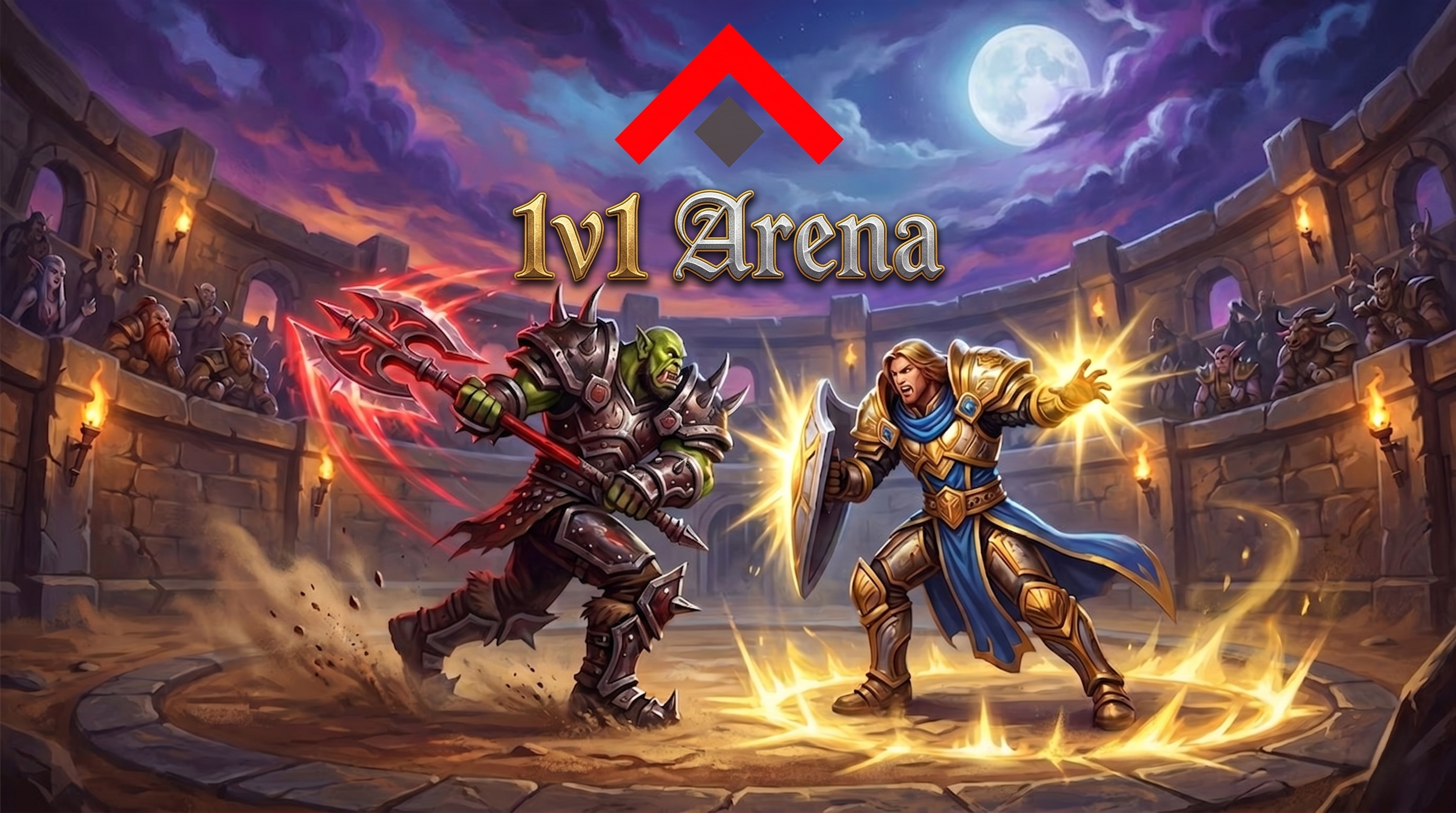
1-versus-1 duel arenas for solo players: face a single opponent in rated or unrated combat, with no need to rely on a team.

Features:

  • Rated (with rating) or unrated 1v1 queue
  • Dedicated 1v1 arena team, created automatically on your first rated sign-up
  • Accessible via the Maître d'arène 1v1 NPC or the .q1v1 commands
  • Perfect for fast solo PvP, without waiting for a partner

User Guide

The Maître d'arène 1v1 NPC is available in every capital city, alongside the other PvP NPCs (battlemasters, arena and battlegrounds). Talk to him to join a rated or unrated 1v1 queue, create your 1v1 arena team or check your statistics. You can also use the .q1v1 rated and .q1v1 unrated commands.
Active

Cross-Faction Battlegrounds

Cross-Faction Battlegrounds

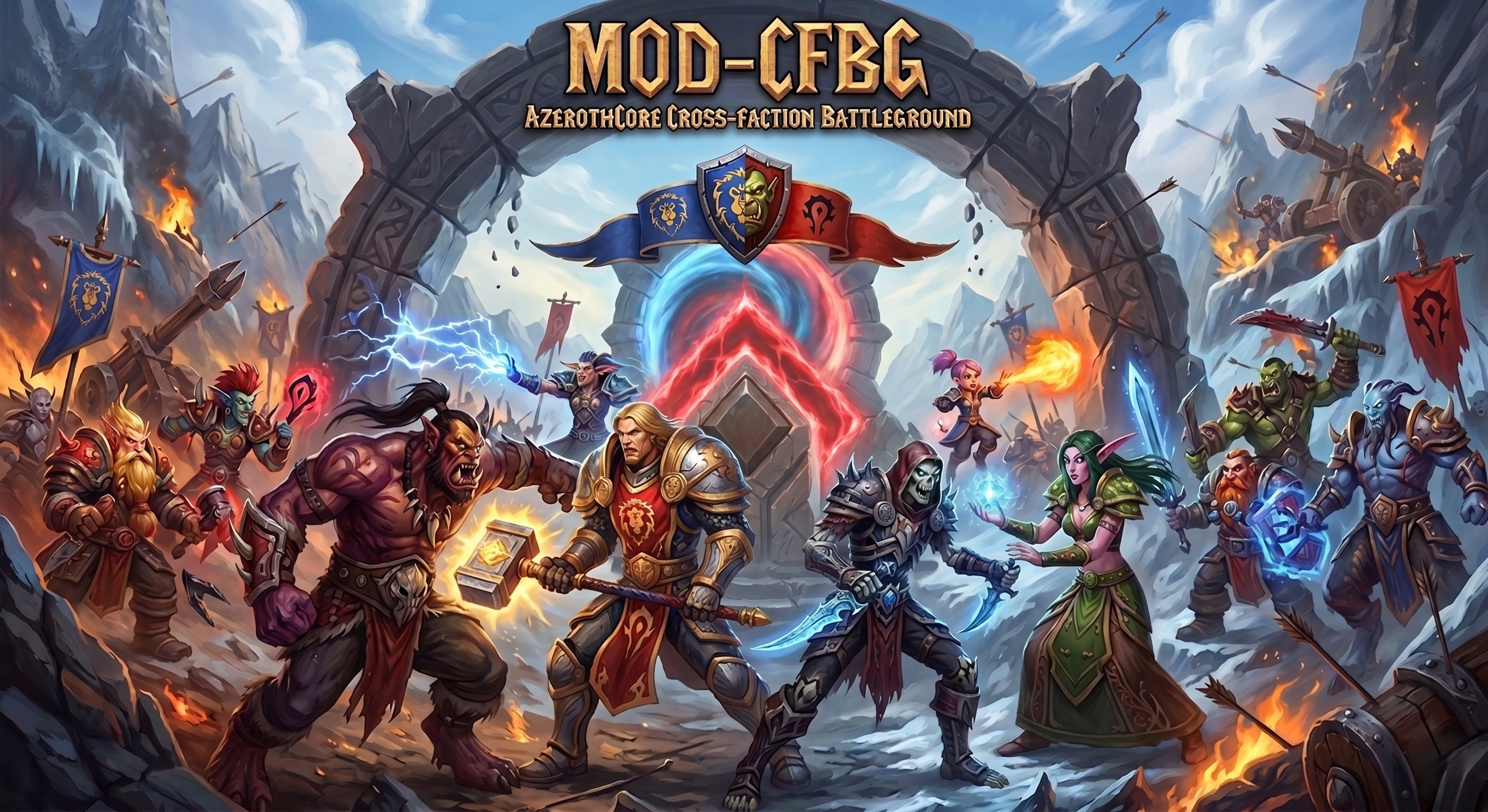
Alliance and Horde players can play together in the same team to fill battleground queues. Your character automatically takes the appearance of a race from the opposite faction for the duration of the match.

Features:

  • Shared queue between Alliance and Horde for all battlegrounds
  • Race appearance changed automatically during the match — no loss of equipment, class or progression
  • Automatic team and composition balancing for fair fights
  • Wintergrasp included: the Fortress battle also works in cross-faction mode

User Guide

No special action required. Queue for a battleground as usual, the system handles everything automatically.
Active

Solocraft

Stat bonuses help you explore dungeons and raids solo or with a small group.

Active

Mythic+ dungeons

NPC access to Mythic+ keystones is still being prepared on this realm.

Access in preparation

Loot companion

A dedicated companion collects loot from nearby creatures for you.

Active

Character appearances

NPCs let you change your visual appearance to personalize your character.

Active

Anti-cheat protection

Monitoring unusual behavior helps preserve fair play.

Active

Combat lock assistance

A safeguard helps characters incorrectly stuck in combat return to normal play.

Active

Acherus assistance

Fixes help death knights stuck in an incorrect phase after leaving Acherus.

Active

Phasing fixes

Fixes remove lingering effects that can prevent the world from displaying normally.

Active

Realm customizations

Welcome messages, announcements and Sylvania-specific behavior accompany your adventure.

Active

Summon appearances

NPC-based summon customization is still being prepared on this realm.

Access in preparation

La Légende de Sylvania

Faster progression, extra services and dedicated events.

All Races All Classes (ARAC)

All Races All Classes (ARAC)

Allows all races to play all classes, offering total freedom in character creation.

Features:

  • Removes class restrictions by race
  • Create unique combinations like Tauren Rogues or Gnome Druids
  • Compatible with all custom races
  • Client patch available for download

User Guide

Download the patch below and place it in the Data folder of your World of Warcraft client (e.g., WoW-Sylvania/Data/).
Active

Transmogrification

Transmogrification

Allows players to modify equipment appearance while keeping stats.

Features:

  • Transmog NPC available in capitals
  • Preview appearances before applying
  • Save appearance sets
  • Compatible with all equipment types

User Guide

The Transmogrification NPC is available in all major capital cities of your faction, as well as in all **barbershops** in-game.
Active

AH-Bot

AH-Bot

An automatic auctioneer that keeps the Auction House lively and dynamic.

Features:

  • Lists items for sale regularly
  • Offers a regular selection of equipment and materials
  • Ensures a stable economy for components and gear
  • Intelligent pricing based on market conditions

User Guide

No special action required. Simply head to the Auction House in any capital city and browse items or talk to the Auctioneer NPC.
Active

AutoBalance Master

AutoBalance Master

Dynamic balancing system that adjusts world difficulty in real-time.

Features:

  • Adjusts HP and damage of enemies based on the number of players in combat
  • Allows for all dungeons and raids to be completed solo or in small groups
  • Rewards adapted to the difficulty encountered
  • Automatic scaling when entering a dungeon or raid

User Guide

The system activates in a completely seamless manner. You do not have to do anything special other than entering a dungeon or raid portal for the difficulty to automatically adapt to your group size.
Active

Solo-LFG

Solo-LFG

Essential for solo adventurers wishing to use the group finder tool.

Features:

  • Allows for solo registration and tagging in dungeons via LFG
  • Automatic teleportation to the instance once the group is validated
  • Ideal for completing dungeons without waiting for a full group

User Guide

Open the Looking for Group (LFG) tool, choose your role (Tank, Healer, or Damage) and start the search. The system will automatically find you a dungeon even if you are queued alone.
Active

1v1 Arena

1v1 Arena

1-versus-1 duel arenas for solo players: face a single opponent in rated or unrated combat, with no need to rely on a team.

Features:

  • Rated (with rating) or unrated 1v1 queue
  • Dedicated 1v1 arena team, created automatically on your first rated sign-up
  • Accessible via the Maître d'arène 1v1 NPC or the .q1v1 commands
  • Perfect for fast solo PvP, without waiting for a partner

User Guide

The Maître d'arène 1v1 NPC is available in every capital city, alongside the other PvP NPCs (battlemasters, arena and battlegrounds). Talk to him to join a rated or unrated 1v1 queue, create your 1v1 arena team or check your statistics. You can also use the .q1v1 rated and .q1v1 unrated commands.
Active

Cross-Faction Battlegrounds

Cross-Faction Battlegrounds

Alliance and Horde players can play together in the same team to fill battleground queues. Your character automatically takes the appearance of a race from the opposite faction for the duration of the match.

Features:

  • Shared queue between Alliance and Horde for all battlegrounds
  • Race appearance changed automatically during the match — no loss of equipment, class or progression
  • Automatic team and composition balancing for fair fights
  • Wintergrasp included: the Fortress battle also works in cross-faction mode

User Guide

No special action required. Queue for a battleground as usual, the system handles everything automatically.
Active

Solocraft

Stat bonuses help you explore dungeons and raids solo or with a small group.

Active

Mythic+ dungeons

Timed dungeons with increasing difficulty, keystones, affixes and leaderboards.

Active

Loot companion

A dedicated companion collects loot from nearby creatures for you.

Active

Character appearances

NPCs let you change your visual appearance to personalize your character.

Active

Anti-cheat protection

Monitoring unusual behavior helps preserve fair play.

Active

Combat lock assistance

A safeguard helps characters incorrectly stuck in combat return to normal play.

Active

Acherus assistance

Fixes help death knights stuck in an incorrect phase after leaving Acherus.

Active

Phasing fixes

Fixes remove lingering effects that can prevent the world from displaying normally.

Active

Realm customizations

Welcome messages, announcements and Sylvania-specific behavior accompany your adventure.

Active

Summon appearances

Customize warlock summons, ghouls and water elementals through a dedicated NPC.

Active

Profession NPCs

NPCs let you learn and advance professions under the realm’s rules.

Active

Character services

Change your name, appearance, race or faction through an NPC, for gold.

Active

Cheyenne event

A Sylvania-specific scripted encounter enriches the realm’s events.

Active

Grey items into gold

Poor-quality items are converted into gold under this realm’s rules.

Active

Alternate death knight start

An optional choice lets death knights skip their starting zone.

Active